
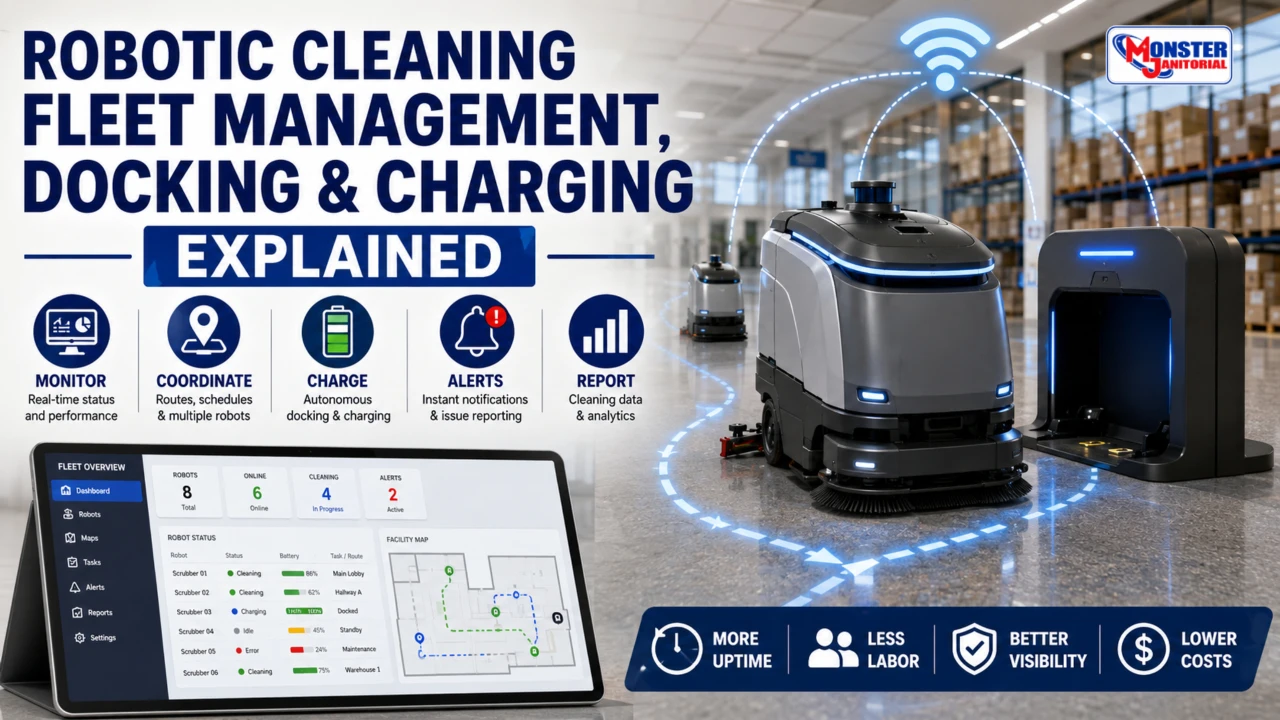
Robotic Cleaning Fleet Management, Docking & Charging Explained
Commercial cleaning robots can do more than follow autonomous routes. Connected fleet software, automatic docking, charging systems, route resumption, and advanced service docks can help facilities manage robotic cleaning with less day-to-day operator involvement.
This guide explains how robotic fleet management, autonomous docking, charging, reporting, alerts, and connected cleaning systems work together after deployment.
How Do Fleet Software, Docking & Charging Work Together?
Fleet management software gives facility teams visibility into robot status, battery level, routes, cleaning progress, alerts, reports, and multiple machines. Autonomous docking allows a robot to return to a station without being driven back manually. Depending on the system, the dock may recharge the battery, support route resumption, and in more advanced configurations help automate water or other service functions.
Fleet Visibility
Monitor robot status, battery level, cleaning progress, routes, alerts, and reports from a centralized system.
Autonomous Docking
Robots can return to a designated charging station automatically instead of requiring an operator to drive them back.
Longer Unattended Operation
More advanced systems can resume routes after charging and may support additional automated dock functions.
What Is Robotic Cleaning Fleet Management Software?
Fleet management software is the connected operations layer behind many commercial cleaning robots. It can give facility managers and supervisors a centralized way to monitor, schedule, analyze, and coordinate robotic cleaning across one building or multiple locations.
Instead of treating each robot like a standalone machine, fleet software can help turn autonomous cleaners into a connected cleaning system.
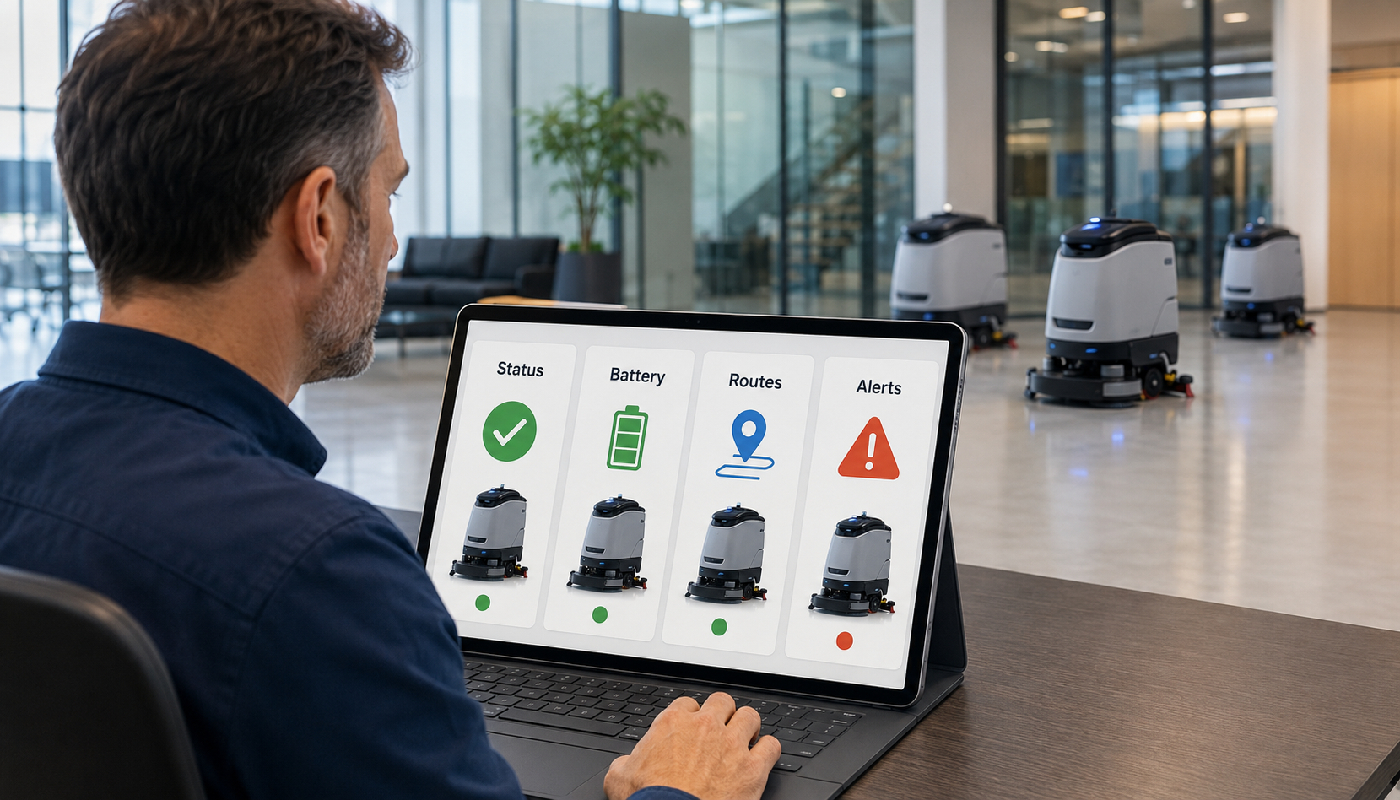
A fleet dashboard can give managers one place to review robot status, battery level, routes, cleaning progress, alerts, and operating data.
Remote Monitoring
View robot status, battery level, route progress, and operating alerts remotely.
Route Scheduling
Schedule cleaning during selected shifts, overnight periods, or other lower-traffic windows.
Cleaning Analytics
Track cleaned area, completion rates, usage history, and productivity trends when supported by the platform.
Alerts & Maintenance
Receive notifications for errors, downtime, battery issues, service needs, or interrupted routes.
Multi-Robot Coordination
Manage multiple cleaning robots across campuses, hospitals, airports, warehouses, or multiple customer locations.
Cloud Connectivity
Access reports, dashboards, routes, alerts, and machine information from supported connected devices.
How Fleet Management Works
The machine collects cleaning, route, battery, and navigation information.
Supported operational information is sent to the connected fleet platform.
Managers review dashboards, route completion, alerts, and performance.
Schedules, routes, maintenance, and deployment can then be adjusted.
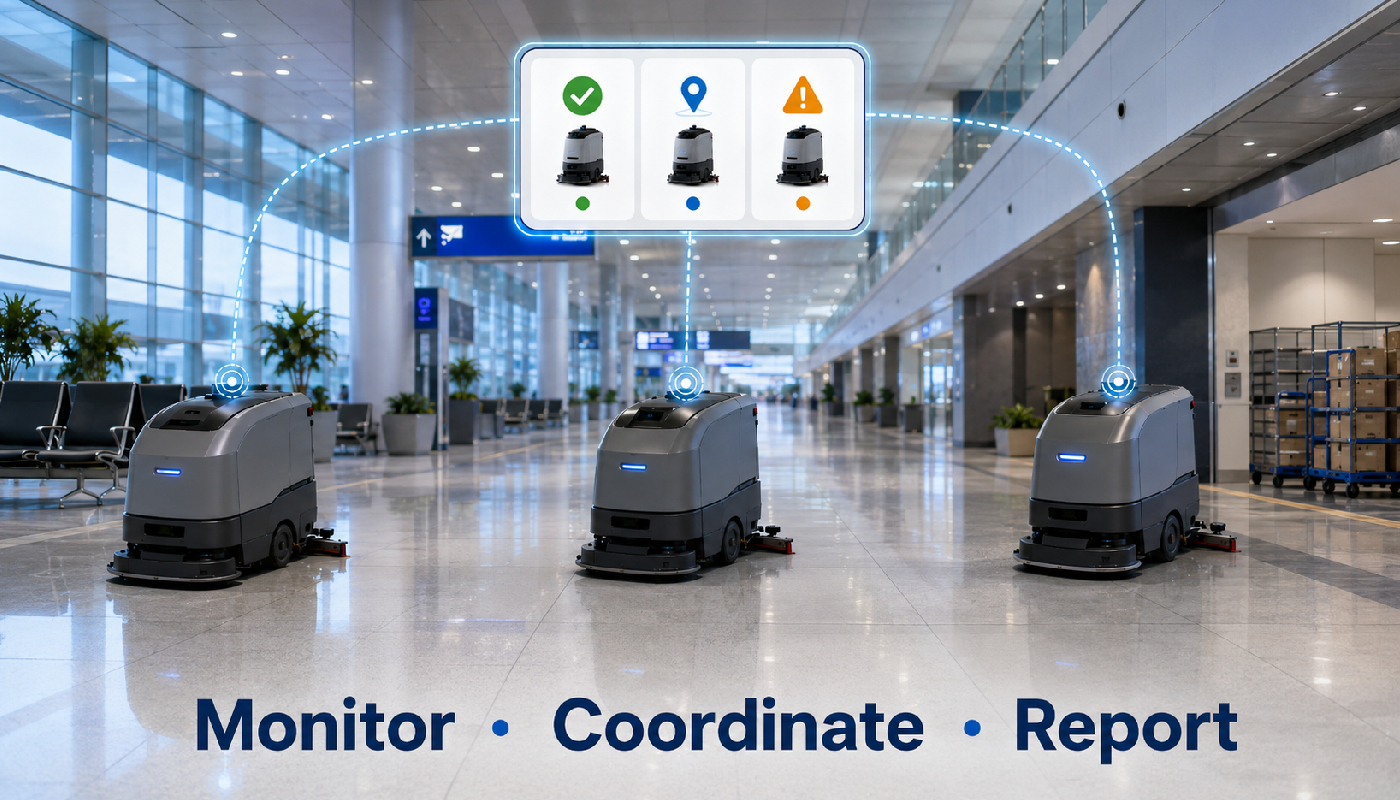
Fleet software can help facility teams monitor and coordinate multiple robotic cleaners across different zones or locations.
What Is Autonomous Docking?
Autonomous docking allows a robotic cleaner to return to a designated charging station without operator assistance. When the battery reaches a programmed level or a task is completed, the robot may navigate back to the dock, align with the charging system, and begin charging automatically.

Autonomous docking typically involves returning to the station, aligning with the dock, and beginning the charging process.
How Autonomous Docking & Charging Works
Battery level is monitored.
The robot calculates or follows a return route.
Sensors help align the robot with the dock.
Charging begins automatically.
Supported systems may resume cleaning afterward.
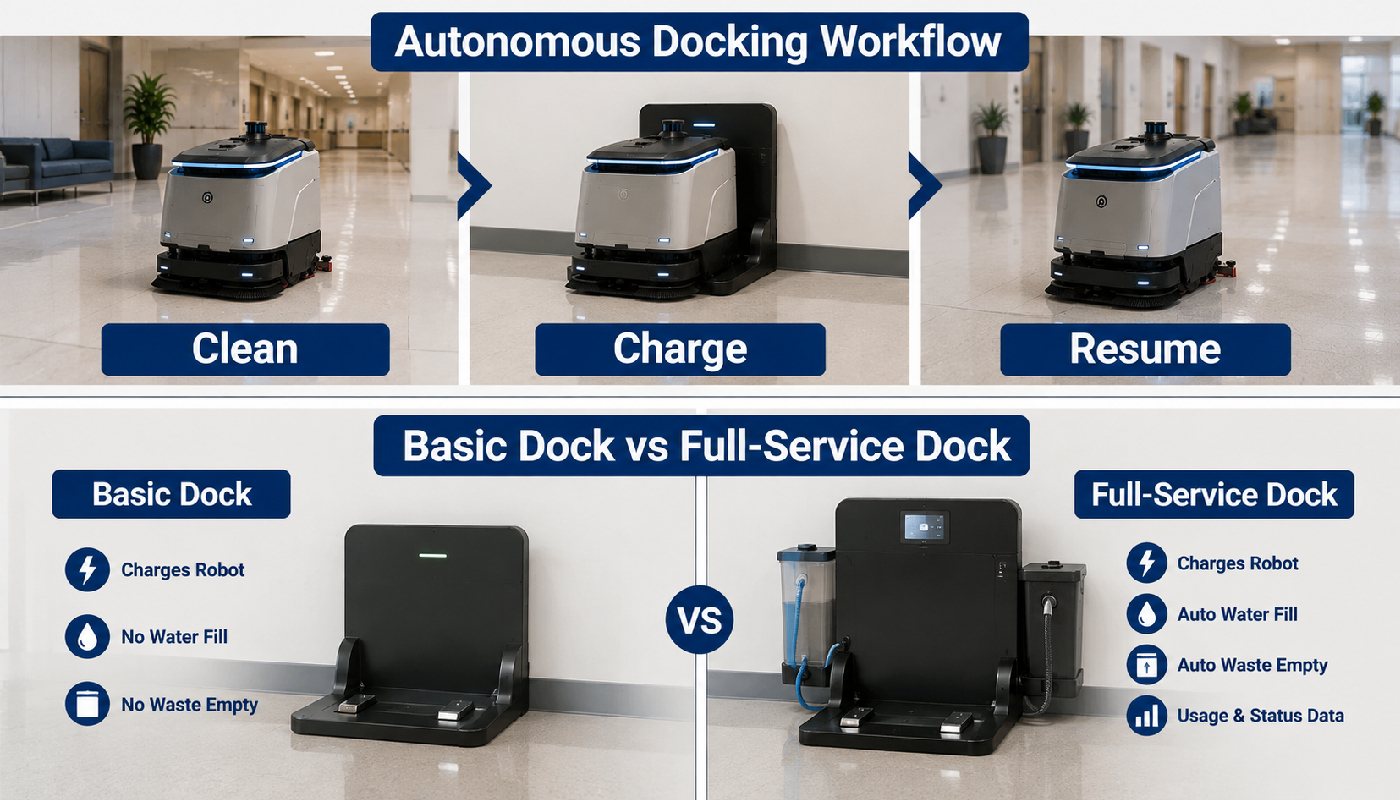
Supported robotic systems may clean, return to charge, and then continue an unfinished route after the required charge cycle.
Docking Systems Are Not All the Same
The amount of automation available at the dock depends on the robotic platform and docking station.
Basic Charging Dock
Handles automatic charging, while tank emptying, clean-water refill, and other service tasks may still require staff.
Advanced Enterprise Dock
May support route continuation, connected monitoring, scheduling, and more autonomous task management.
Full-Service Docking Station
Depending on the system, a more advanced dock may support charging, clean-water refill, recovery-water evacuation, chemical handling, or other low-touch functions.

A basic charging dock and a full-service docking station can provide very different levels of automation.
Why Fleet Software and Docking Belong Together
Fleet management tells the facility team what each robot is doing, while docking gives the robot a way to keep operating with less human intervention. Together, these systems can improve visibility, scheduling, charging management, and unattended cleaning.
Battery level, cleaning status, route completion, alerts, docking status, downtime, and maintenance information.
Automatic charging, route resumption, longer unattended cleaning, and on supported advanced systems, automated water handling.
What Facility Managers Should Monitor
Robot Uptime
How often the machine is available and actively cleaning.
Route Completion
How much of each assigned cleaning route is completed successfully.
Battery & Charging
Battery status, charging behavior, and successful docking.
Interventions
How often staff must assist, restart, relocate, or otherwise intervene.
Cleaning Productivity
Area cleaned, route frequency, and completion by shift, zone, or facility.
Maintenance Alerts
Service intervals, component wear, tank issues, errors, or other machine notifications supported by the system.
Questions to Ask About Fleet Software & Docking
- Does the robot require Wi-Fi or cloud connectivity?
- Can several robots be managed from one dashboard?
- What alerts and reports are available?
- Does the robot automatically resume cleaning after charging?
- What power and space requirements does the dock have?
- Does the dock require access to clean water or a drain?
- Can the dock refill clean water or evacuate recovery water?
- Are software or platform fees required?
- What happens if docking fails or the robot is interrupted?
Where Connected Robotic Fleets Can Be Useful
Schools & Universities
Coordinate cleaning across hallways, gyms, cafeterias, common areas, and multiple buildings.
Healthcare Facilities
Monitor machine status, cleaning consistency, route completion, and interruptions across large facilities.
Airports & Transit Hubs
Manage multiple robots across large public spaces and extended cleaning schedules.
Warehouses & Contractors
Track robotic cleaning across large square footage, different zones, or multiple customer locations.
TASKI Ecobot 50 Pro
The TASKI Ecobot 50 Pro combines OMNIE AI, 3D LiDAR navigation, adaptive obstacle avoidance, autonomous docking capabilities, and cloud-connected fleet management for commercial cleaning environments.
Shop TASKI Ecobot 50 Pro →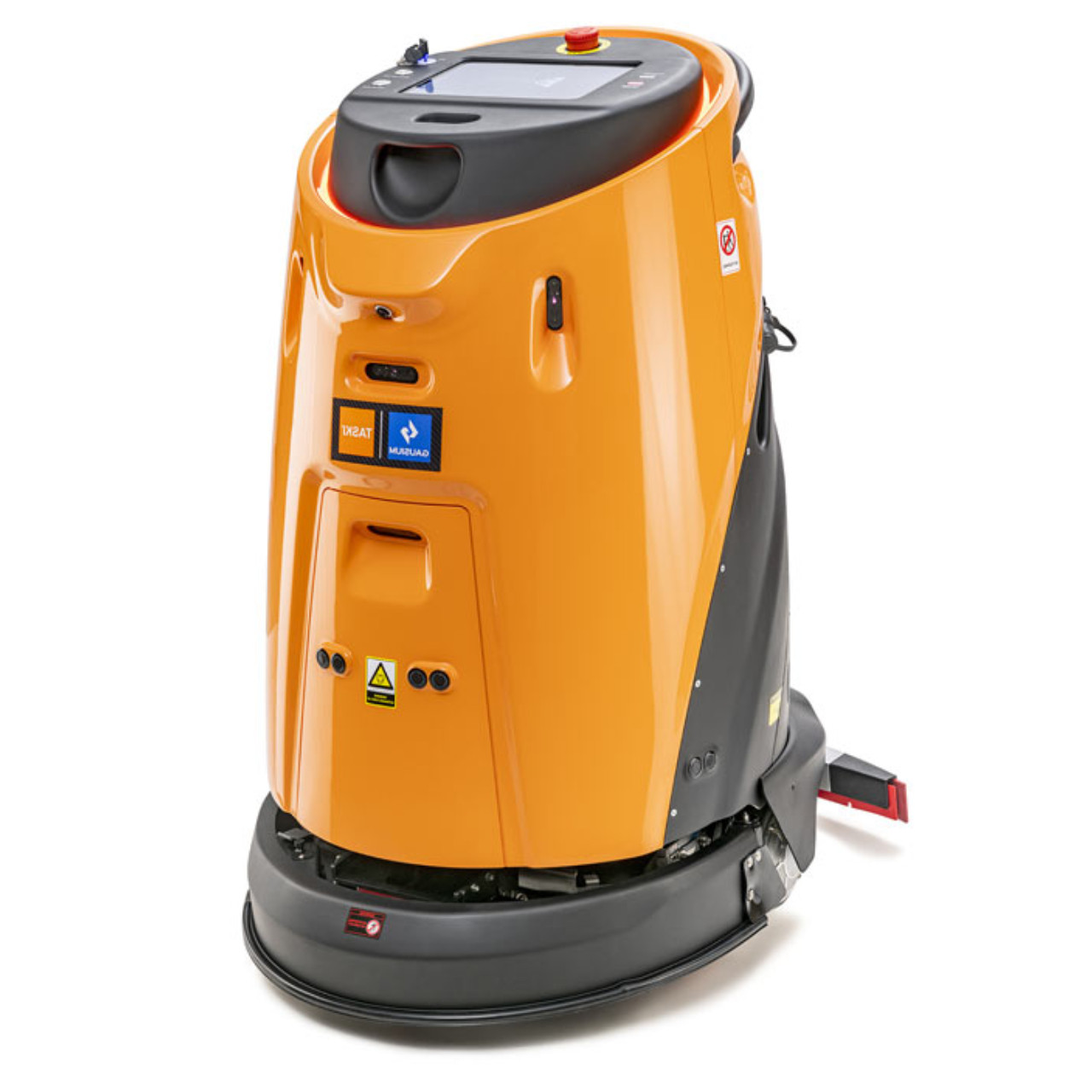
The Future of Connected Cleaning Robotics
Commercial cleaning robotics is moving beyond standalone autonomous machines toward connected systems that combine navigation, fleet analytics, autonomous charging, route management, remote monitoring, maintenance information, and increasingly automated docking stations.
For facility managers, the question is no longer only how well a robot cleans. It is also how well the entire robotics system keeps the machine operating, connected, charged, monitored, and ready for the next cleaning task.
Related Robotic Cleaning Guides
Robotic Cleaning Fleet Management, Docking & Charging Explained
Learn how robotic fleets, dashboards, autonomous docking, charging, route resumption, and connected operations work together.
Best Robotic Floor Scrubbers by Facility Type
Compare robotic cleaning applications for schools, healthcare, airports, warehouses, retail, government facilities, and more.
Read Facility Guide →Commercial Cleaning Robot Navigation Explained
Learn how AI, LiDAR, cameras, sensors, mapping, teach-and-repeat routes, and adaptive navigation work.
What Facility Managers Should Know Before Deploying Robotic Scrubbers
Review site readiness, obstacles, charging locations, connectivity, routes, staffing, and deployment planning.
Read Deployment Guide →Understanding Commercial Cleaning Robotics Platforms
Compare commercial robotics platforms, technology approaches, deployment considerations, and system priorities.
Read Platform Guide →The Future of Autonomous Commercial Cleaning
Explore connected equipment, autonomous fleets, AI, analytics, and the future of robotic commercial cleaning.
Read Future Guide →Shop Robotic Cleaning Equipment
Explore autonomous floor scrubbers and robotic commercial cleaning equipment for schools, healthcare facilities, airports, warehouses, campuses, government facilities, and other large commercial environments.
Shop Robotic Cleaning Equipment →Robotic Fleet Management, Docking & Charging FAQ
What does robotic fleet management software do?
Depending on the platform, it can provide machine status, battery information, route progress, schedules, alerts, reports, cleaning analytics, and multi-robot monitoring.
Can a robotic scrubber charge itself?
Robotic scrubbers equipped for autonomous docking may be able to return to a compatible dock, align with it, and begin charging automatically.
Will the robot resume cleaning after charging?
Some systems support automatic route resumption after charging, while others may require operator input. This should be verified for the specific robotic platform.
Can robotic docks refill and empty water automatically?
Some advanced docking stations may support clean-water refill, recovery-water evacuation, or other service functions. Basic charging docks generally provide much less automation.
Does fleet management require Wi-Fi?
Connectivity requirements vary by platform. Ask whether the system requires Wi-Fi, cellular connectivity, cloud access, or another network connection for reporting and remote management.
What should I test during a robotic cleaning demo?
Test route completion, docking reliability, charging behavior, connectivity, alerts, reporting, obstacle response, and any automatic route-resumption or service-dock functions you expect to use.
Need Help Comparing Robotic Fleet & Docking Systems?
Monster Janitorial can help compare robotic scrubbers, fleet-management capabilities, docking stations, charging requirements, navigation systems, batteries, facility requirements, and deployment needs.
Tax-exempt purchasing and purchase-order support are available for qualifying schools, universities, government agencies, municipalities, healthcare facilities, and other institutional customers.
- #AI robotic scrubbers
- #autonomous cleaning equipment
- #autonomous cleaning machines
- #autonomous docking systems
- #autonomous floor scrubber charging
- #cloud connected robotics
- #commercial cleaning robots
- #commercial robotics technology
- #LiDAR robotic scrubbers
- #robotic cleaning fleet management
- #robotic floor cleaning systems
- #robotic floor scrubber technology
- #robotic scrubber charging station
- #robotic scrubber docking station
- #robotic scrubbers for schools