
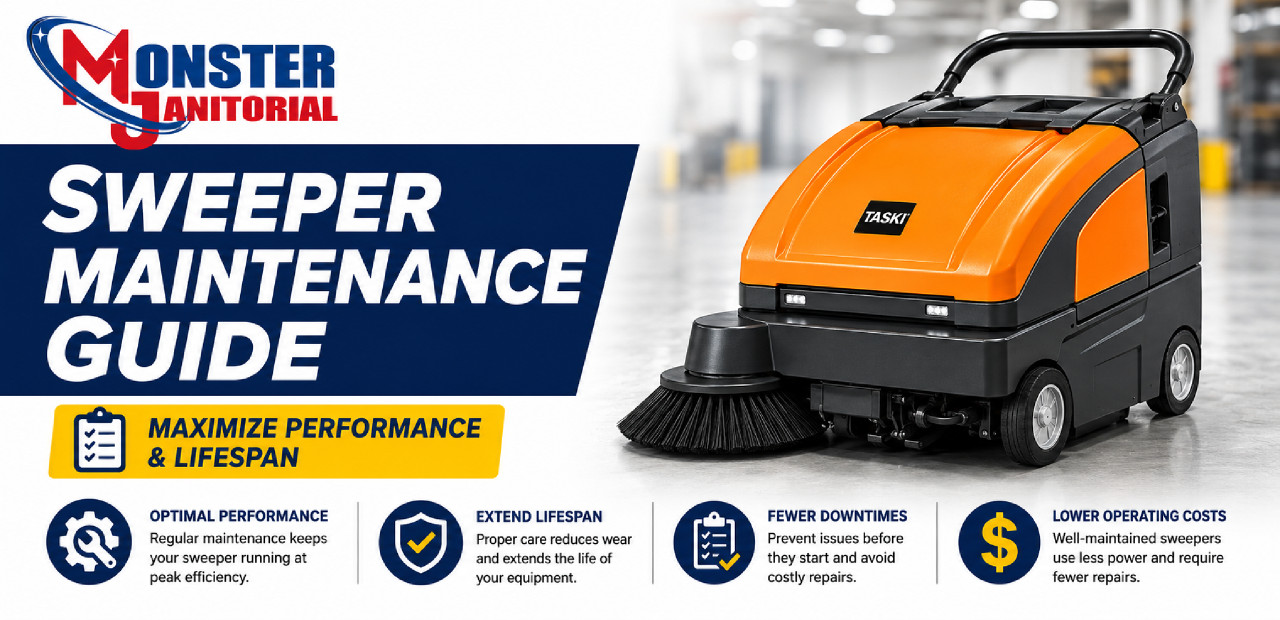
Proper maintenance is essential to keep your commercial sweeper operating at peak performance. Whether you are using a manual, walk-behind, battery-powered, or ride-on machine, routine upkeep improves cleaning results, extends equipment life, and helps reduce costly downtime.
This guide covers the key maintenance steps every facility should follow to maximize sweeper performance and get the most value from commercial floor cleaning equipment.
Quick Answer: To maintain a commercial sweeper, inspect brushes, clean filters, empty the hopper, check batteries, inspect belts and seals, clean the machine after use, and follow a preventive maintenance schedule.
Why Sweeper Maintenance Matters
Commercial sweepers are designed to handle demanding environments, including warehouses, parking garages, sidewalks, schools, and industrial facilities. Over time, dust, debris, brush wear, clogged filters, and battery issues can reduce cleaning efficiency if maintenance is neglected.
Regular maintenance helps ensure consistent sweeping performance, protects internal components, improves dust control, and helps prevent unexpected repairs.
Better Cleaning Results
Clean brushes, filters, and hoppers help the sweeper pick up debris more effectively.
Less Downtime
Routine inspections help catch worn parts before they cause equipment failure.
Longer Machine Life
Preventive maintenance protects motors, belts, batteries, seals, and brush systems.
Inspect and Replace Brushes Regularly
Brushes are the most important wear component on a commercial sweeper. Main roller brushes and side brooms lift debris, direct material into the hopper, and help clean along walls, corners, and edges.
Best Practices
- Check brush wear weekly in high-use environments
- Replace brushes when bristles become worn, short, uneven, or damaged
- Ensure proper brush pressure for optimal sweeping performance
- Use OEM replacement brushes for consistent fit and debris pickup
Worn brushes reduce cleaning efficiency and can leave debris behind, especially in corners, along edges, and on textured surfaces.
Maintain the Dust Filter System
Dust control is essential for maintaining air quality and preventing fine particles from being released back into the environment. Battery-powered and ride-on sweepers often use internal filtration systems to capture dust during operation.
Best Practices
- Clean, shake out, or inspect filters regularly
- Check for clogs, tears, holes, or dust buildup
- Replace filters when airflow drops or visible damage appears
- Keep filter housings clean to support proper dust containment
A clogged or damaged filter can reduce airflow, lower dust control performance, and cause the machine to leave fine dust behind during sweeping.
Empty the Hopper Frequently
The debris hopper collects dust, dirt, packaging material, and waste during operation. Allowing the hopper to overfill can reduce sweeping performance and place unnecessary strain on the machine.
Best Practices
- Empty the hopper after each use or whenever it becomes full
- Inspect for debris buildup inside the hopper compartment
- Clean hopper seals to maintain proper dust containment
- Remove large debris that could block normal pickup performance
Check Battery and Electrical Components
For battery-powered sweepers, proper battery maintenance is critical for consistent operation, runtime, and long-term machine performance.
Best Practices
- Charge batteries according to manufacturer guidelines
- Inspect cables and connections for wear, looseness, or corrosion
- Monitor runtime and replace batteries when capacity declines
- Keep battery compartments clean and dry
Well-maintained batteries help prevent unexpected downtime and keep the sweeper ready for daily cleaning routes.
Inspect Belts, Seals, and Moving Parts
Internal components such as belts, seals, bearings, and moving parts play a key role in machine operation. Over time, these parts can wear and reduce performance.
Best Practices
- Check belts for proper tension, cracking, or wear
- Inspect seals to help prevent dust leakage
- Lubricate moving parts where applicable
- Listen for unusual noises during operation
Routine inspections help catch small issues before they become major repairs.
Keep the Machine Clean
Cleaning the exterior and internal areas of your sweeper helps prevent buildup that can interfere with operation.
- Remove dust and debris from brush housings
- Wipe down control panels and machine surfaces
- Keep airflow paths clear
- Inspect wheels, casters, and debris paths after use
A clean machine operates more efficiently and presents a more professional appearance in your facility.
Create a Preventive Maintenance Schedule
Establishing a regular maintenance schedule ensures that all critical components are checked consistently.
Use Genuine Replacement Parts
Using OEM replacement parts helps ensure compatibility, performance, and longevity. Genuine brushes, filters, belts, and components are designed specifically for your machine and typically provide better results than generic alternatives.
Maintenance Tip: Replacing worn parts on time helps keep your sweeper operating like new and may prevent damage to other components.
Common replacement items include main brushes, side brooms, filters, belts, seals, batteries, chargers, and wear parts.
Recommended Sweepers and Maintenance Support
Recommended Sweeper Equipment
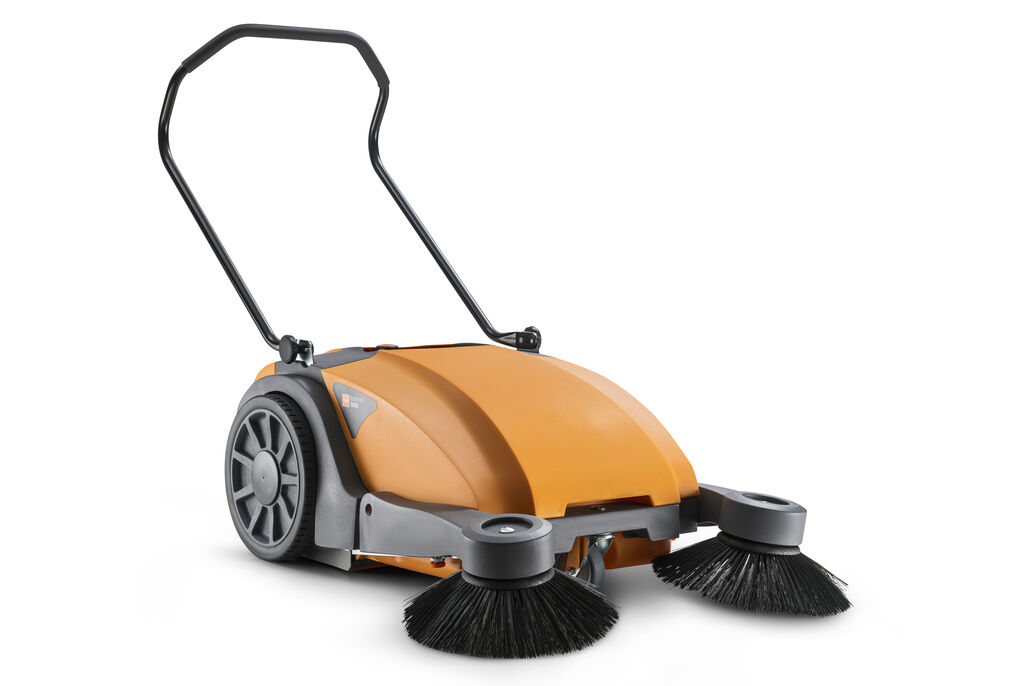
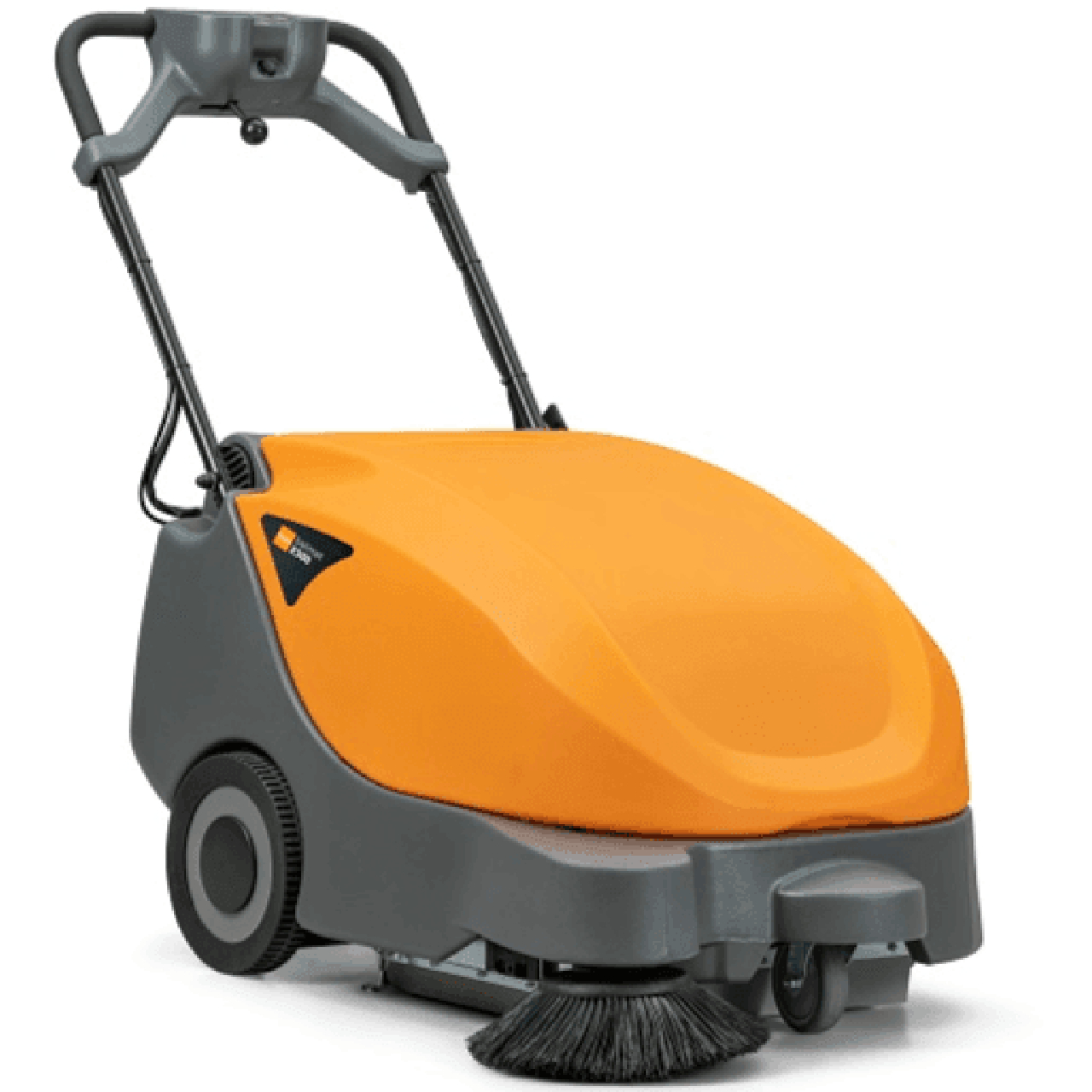
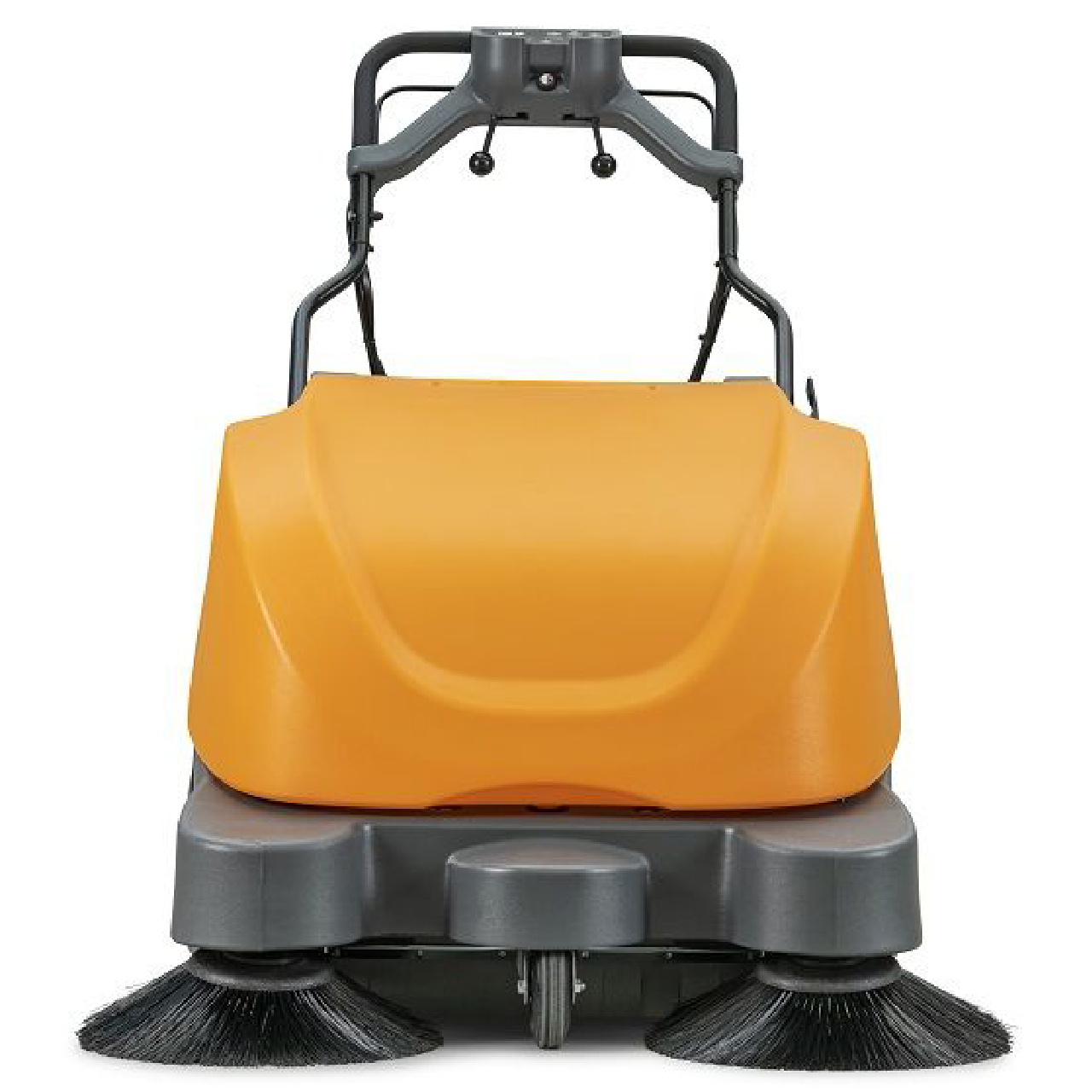
Commercial Sweepers, Replacement Parts & Maintenance Support
Keep your facility cleaning program running with commercial sweepers, brushes, filters, batteries, chargers, and replacement parts for routine maintenance.
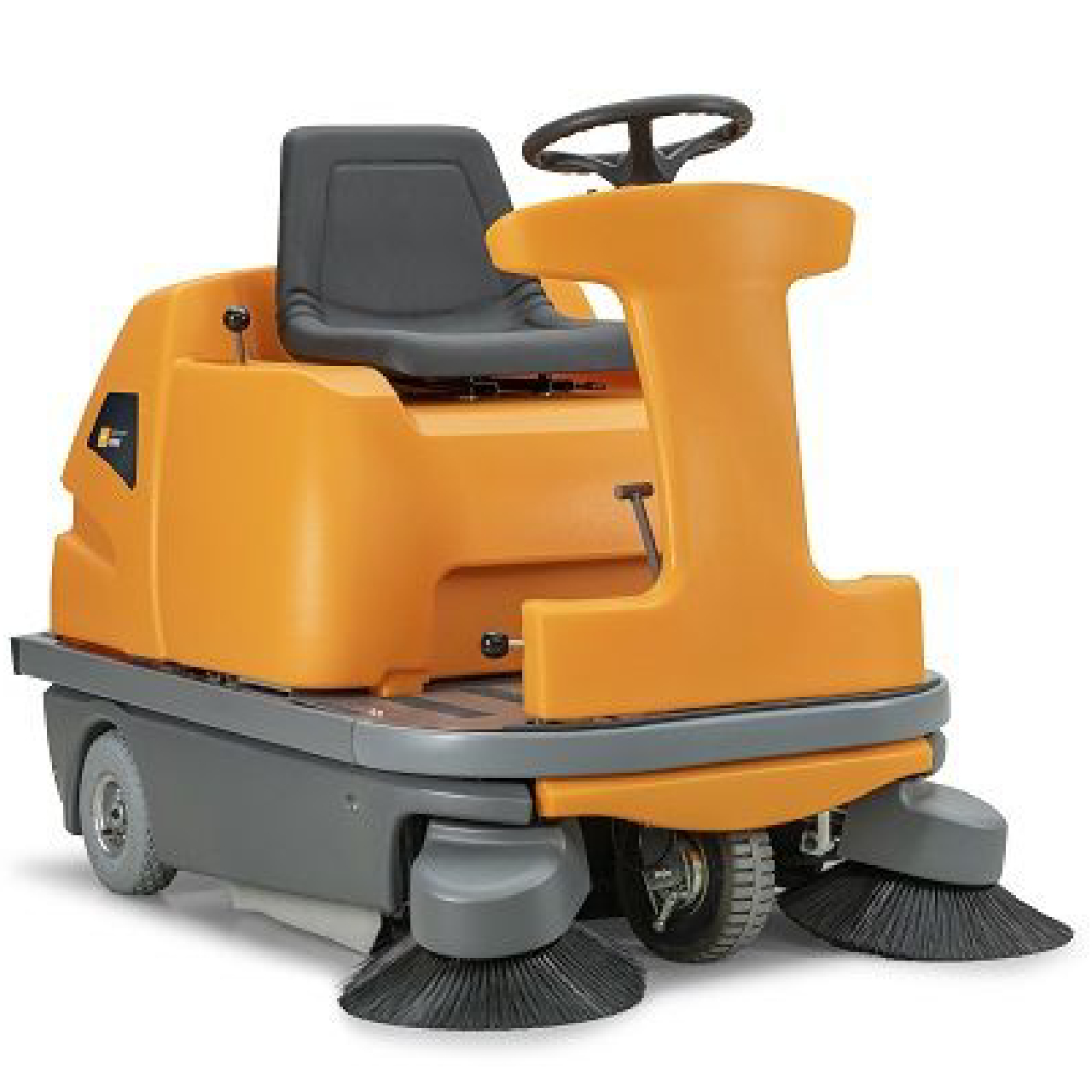
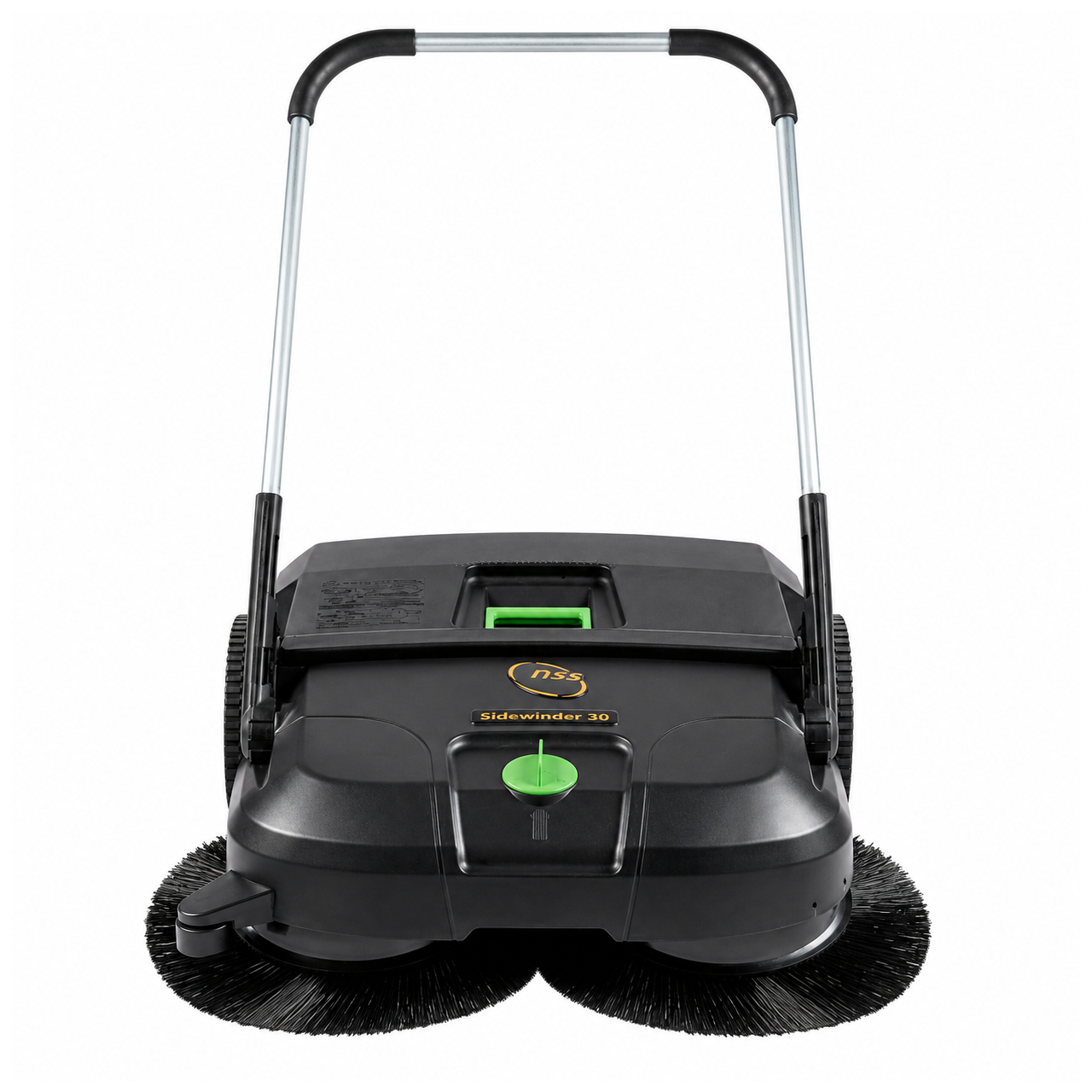
Maximize Performance with the Right Equipment
Proper maintenance, combined with the right machine for your facility, is key to achieving consistent cleaning results. From compact manual sweepers to large ride-on models, choosing the right equipment and maintaining it properly will improve efficiency and reduce long-term costs.
Monster Janitorial offers a full range of commercial sweepers, replacement parts, and maintenance support to keep your equipment performing at its best.